Custom Client Portals Designed
Around Your Unique Needs.
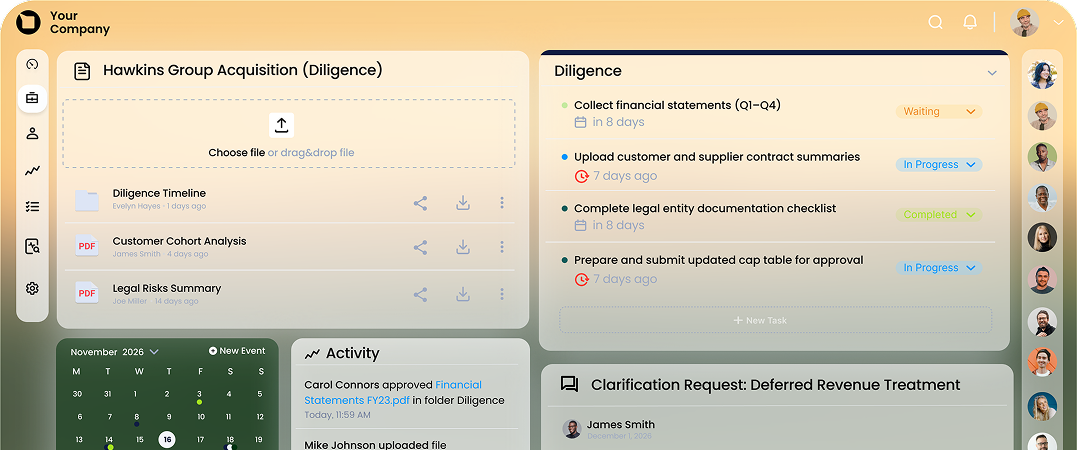
We plan, design and launch a secure, white-label client
portal tailored to your unique workflows, without the
limitations of off-the-shelf software.




.svg)


Deals move faster
when your tools talk.
You’re exploring client
portal solutions and what
a custom solution could
look like in practice.
You bring the workflows
and requirements. We
help shape them into a
custom portal.
You’re ready to build a
secure, white-label client
portal and need a
partner to take it forward.
What is a custom
client portal?
client
A custom client portal is a secure client portal
built specifically for your business, where you
can share files, manage communication and
collaborate with clients in one place.
It allows businesses to centralise documents, streamline communication and provide
clients with a structured, branded client
portal experience.
What is a custom
client portal?
portal
Unlike off-the-shelf client portal software,
a custom client portal is tailored to your unique
business needs, workflows, integrations and
desired impact.
Why do businesses choose
a custom client portal?
When off-the-shelf client portal software
falls short, a custom client portal gives you the flexibility, security, and control to do it
your way.

Our custom client portal
development process is simple.
1. Gap Analysis
What requirements does
your custom client portal
need to meet beyond
what’s already available
as standard?
2. Design
We design mockups
and wireframes around
your custom portal
requirements and
workflows.
3. Cost Estimates
We provide
feature-by-feature
costings for your custom
portal development, so
you stay in control
of cost and priorities.
4. Decide Your MVP
We start with what
matters most in your
custom client portal MVP.
5. Statement of Work
Together, we finalise the
Statement of Work for
your custom portal
development and move
into delivery.
That’s it!
Time to build your custom
client portal.

Completely
custom
client
portal
design.
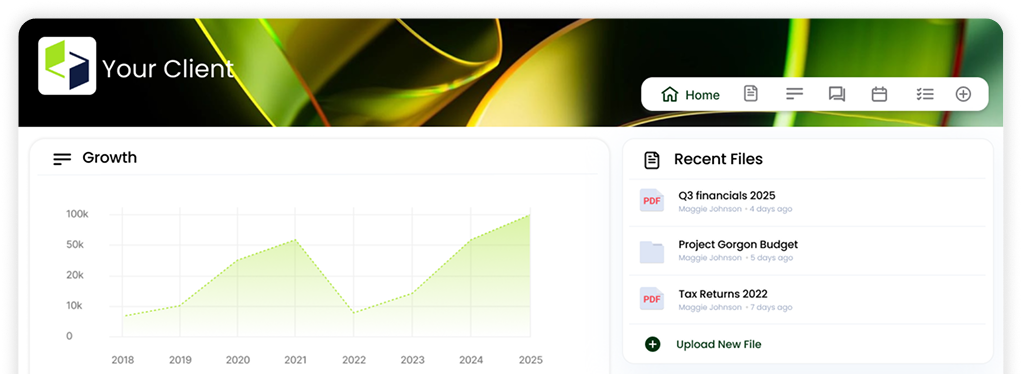
A fully customised client portal, tailored to your brand,
workflows, and business requirements. Delivered as a white-
label experience with a branded interface, advanced
functionality, and seamless client interaction.
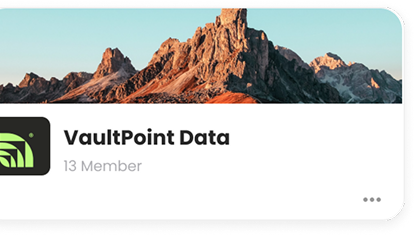
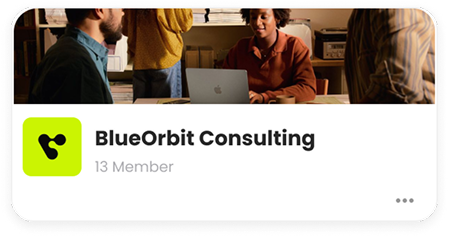
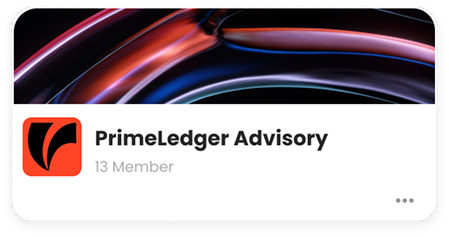
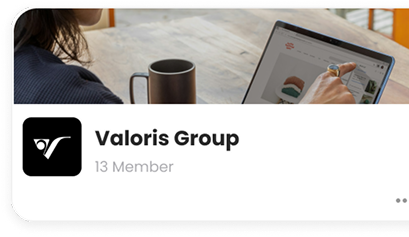
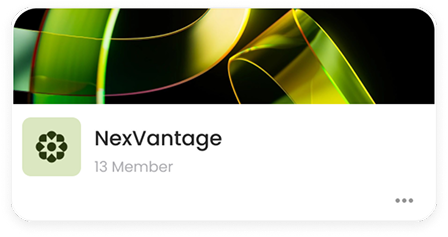
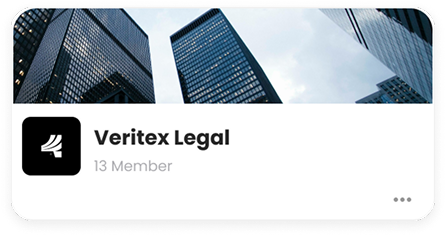
Custom client portals for your line of work.
Whether you're in finance, legal, healthcare, or
another client-facing industry, we build a client
portal tailored to your workflows, security
requirements, and client experience.

Accounting
.png)
Finance
.jpg)
Insurance
.png)
HR
.png)
Agency

Healthcare
.png)
Investment
.jpg)
Legal
.jpg)
M&A
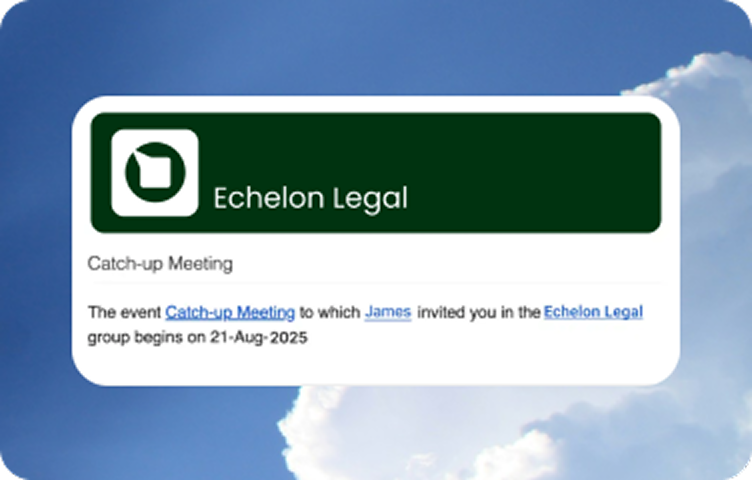
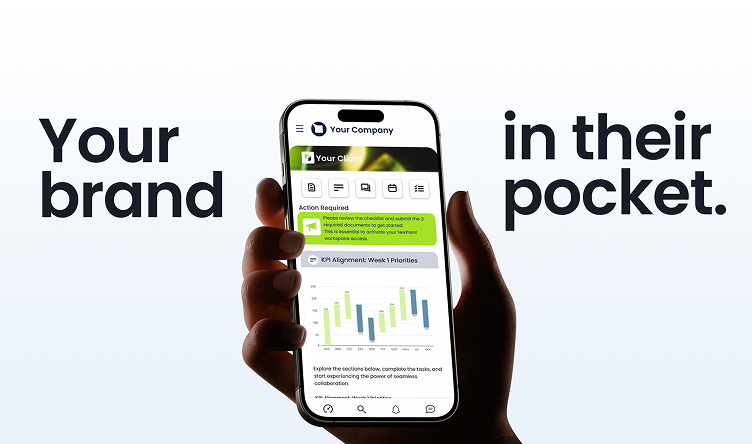
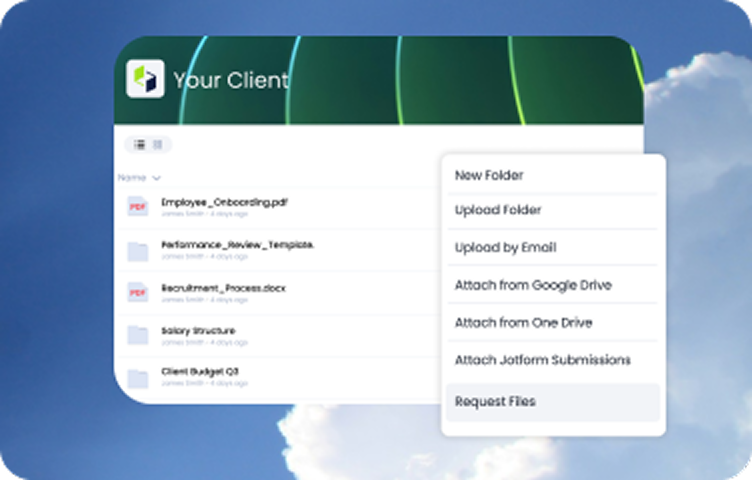
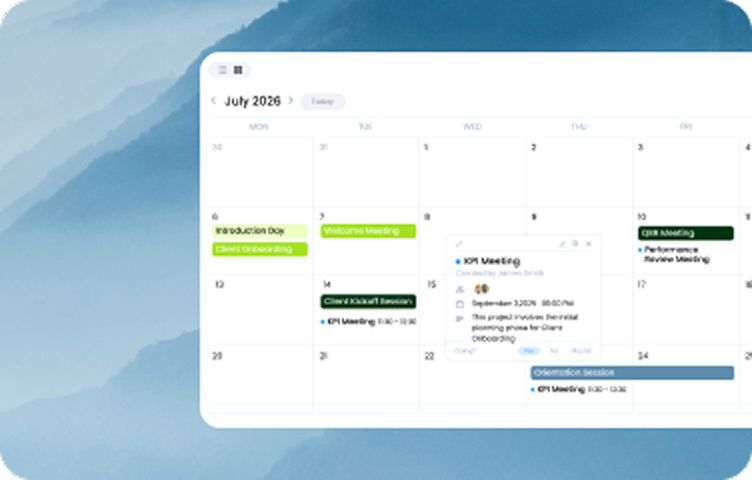
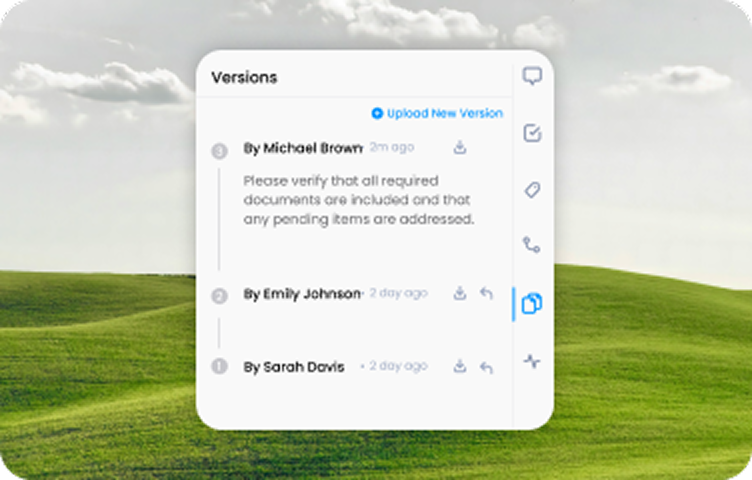
Secure client portal
features to get you started.
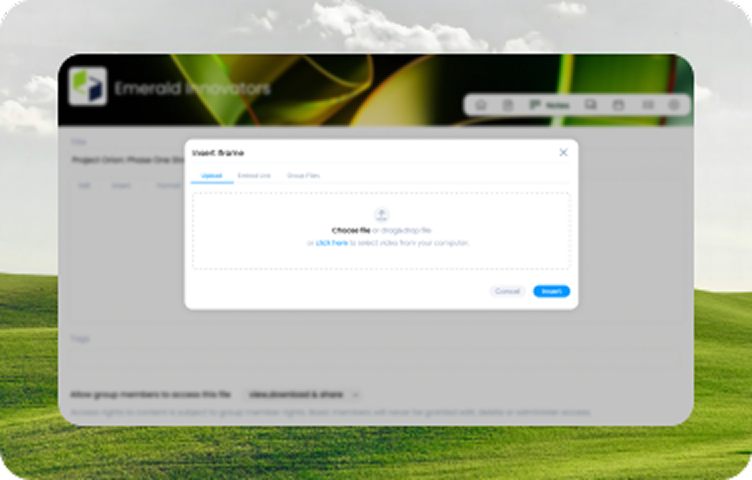
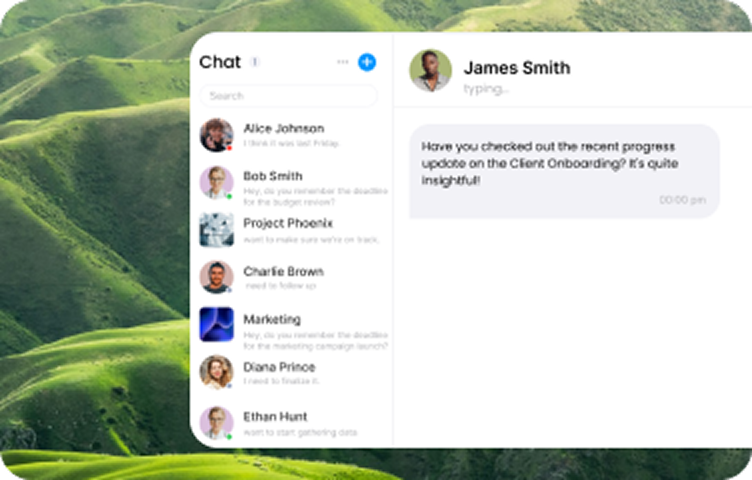
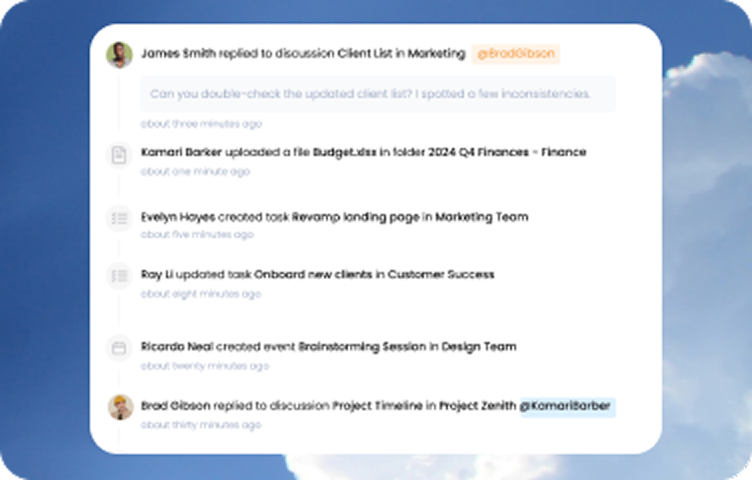
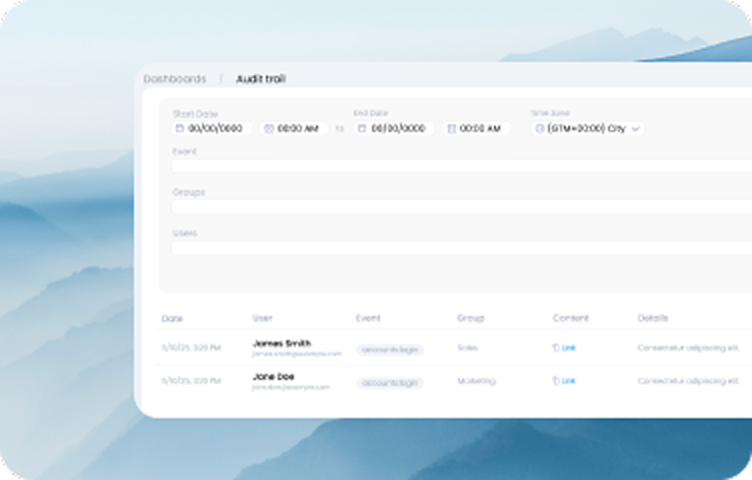
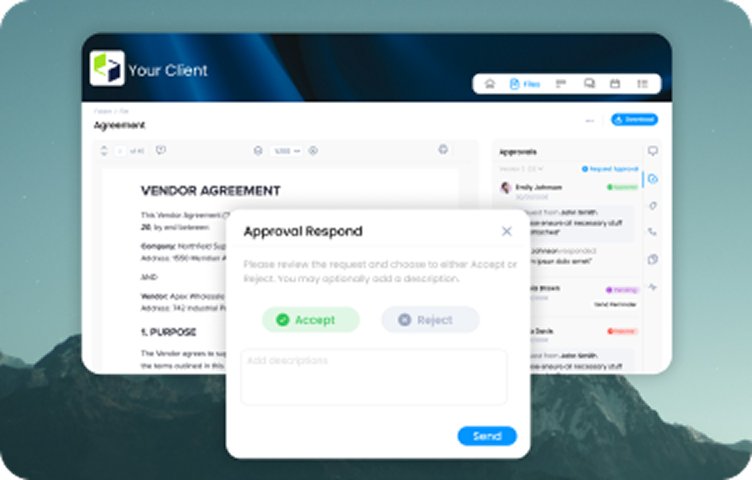
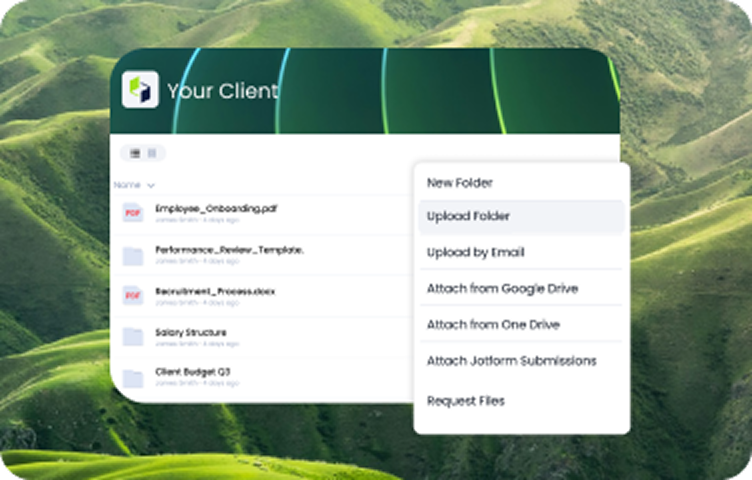
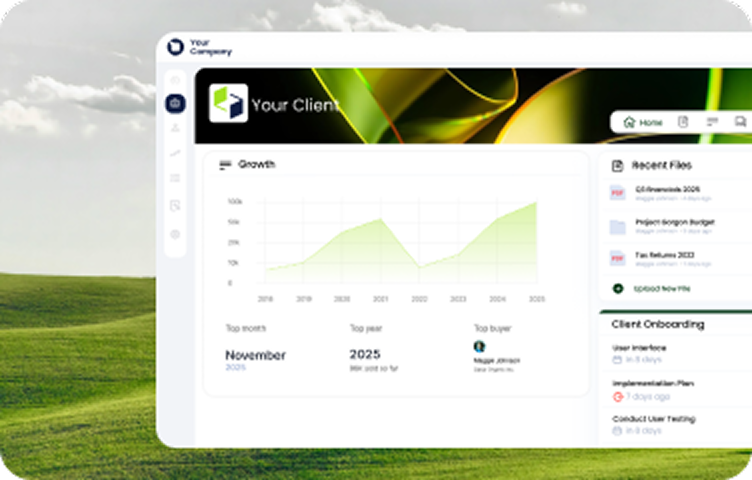
With Clinked, you can manage projects,
communication and secure file sharing
in a custom client portal designed
around your workflow.
We deliver custom
client portals quickly,
no matter the
complexity.
2-5 weeks
Low Complexity
5-6 weeks
Medium Complexity
8-12 weeks
High Complexity
Book a free 30-minute
consultation.
Tell us what you have in mind and we’ll map
the build, timeline, and cost for you.
FAQs
Here’s a quick overview of the questions asked most when choosing a M&A deal room.
Can’t find what you’re looking for?
Reach out to our lovely sales team: they’re real humans, exceptionally helpful, and ready to guide you.
What is a custom client portal?
A custom client portal is a branded, secure workspace where customers can access files, submit documents, communicate with a business and complete assigned tasks. Unlike a generic file-sharing platform, it can be configured around the organisation’s client experience and working processes.
What is the difference between a custom web portal and a standard client portal?
A standard client portal usually provides a predefined set of tools and limited customisation. A custom web portal can be adapted more closely to a company’s branding, access structure, dashboards, integrations and workflows.
Clinked supports custom domains, custom email domains, configurable widgets, white-label branding and tailored client workspaces.
What features should a custom portal include?
A custom portal should include the features needed for its intended users and workflow. Common capabilities include secure file sharing, document management, granular permissions, client communication, task management, approvals, audit trails, notifications and mobile access.
Clinked brings these capabilities together in one custom client portal.
Can a custom client portal use our company branding?
Yes. A custom client portal can be configured with your logo, colours and other brand elements. Clinked also supports custom domains, custom email domains, configurable dashboards and white-label client experiences.
Can we create a personalised web portal for different clients?
Yes. Businesses can create separate workspaces for different clients, teams or projects and tailor the information each user can access. Permissions can be controlled at group, folder and file level, including rights to view, edit, upload or download content.
How secure is a custom client portal?
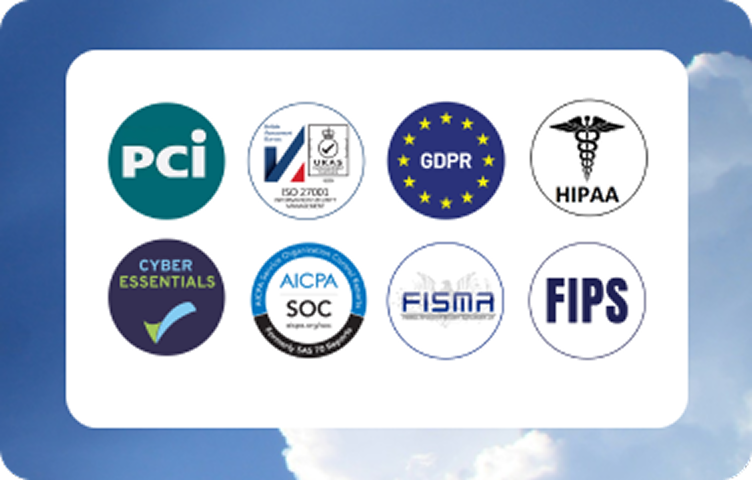
A secure custom client portal should provide encrypted file sharing, strong authentication, controlled permissions and detailed activity records. Clinked supports encryption, two-factor authentication, single sign-on, granular access controls and audit trails.
Can clients securely upload documents through the portal?
Yes. Clients can upload documents directly to their authorised workspace instead of sending sensitive files through email. File requests can also be used to collect specific documents, while permissions help control who can view, edit or download them.
Does a custom portal support tasks, discussions and approvals?
Yes. Clinked combines task management, discussions, comments, document approvals and activity updates within the portal. This allows teams and clients to manage project deliverables and decisions without relying on disconnected email threads.
How long does custom portal development take?
The time required depends on the design, functionality, integrations and complexity of the portal. Clinked currently indicates approximately two to five weeks for lower-complexity projects, five to six weeks for medium-complexity projects and eight to twelve weeks for more complex implementations.
What is a custom portal?
A custom portal is a personalized, secure online platform designed to meet specific business needs. It allows organizations to offer clients or teams a branded experience with centralized communication, file sharing, and collaboration tools.
What is a custom portal?
A custom portal is a secure online workspace configured around a company’s branding, users and workflows. It can give clients, partners or employees controlled access to documents, tasks, communication and other business resources from one central location.
How does Clinked's custom portal differ from standard client portals?
Clinked's custom portal offers advanced customization options, including bespoke design elements, tailored workflows, and personalized dashboards, providing a unique experience that aligns with your brand and operational requirements.
What customization options are available with Clinked's custom portal?
Clinked provides extensive customization features such as white-label client portal, custom email domains, multilingual support, and the ability to integrate with various business applications to create a seamless user experience. You can check out Clinked's features.
How long does it take to set up a custom portal with Clinked?
The setup time varies based on complexity:
- Low Complexity: 2-5 weeks
- Medium Complexity: 5-6 weeks
- High Complexity: 8-12 weeks This timeline ensures a tailored solution that meets your specific needs.
Can I integrate Clinked's custom portal with my existing systems?
Yes, Clinked's custom portal supports integrations with various business applications, enhancing your workflows and ensuring seamless data exchange across platforms.
Is Clinked's custom portal mobile-friendly?
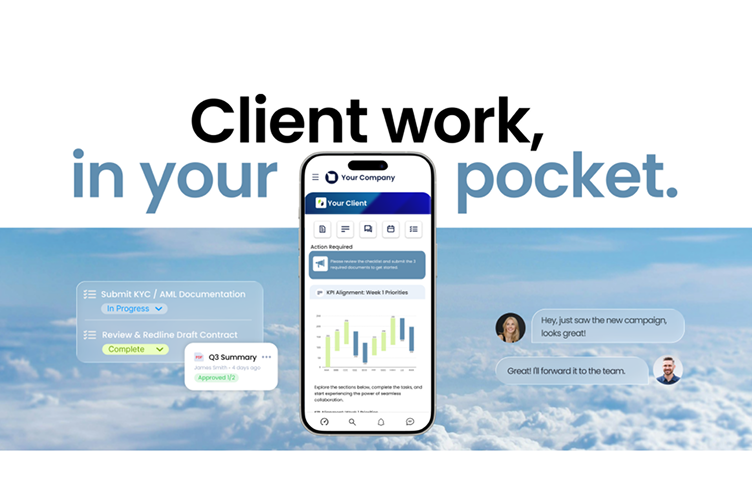
Absolutely. Clinked offers brandable iOS and Android apps, ensuring that your custom portal is accessible and user-friendly across all devices.
What security measures are implemented in Clinked's custom portals?
Clinked prioritizes security by implementing features such as data encryption, role-based access controls, and compliance with industry standards to protect your sensitive information.
Can I manage user permissions in Clinked's custom portal?
Yes, Clinked allows you to set granular access and permissions, ensuring that users have appropriate access levels to information and tools within the portal.
Does Clinked offer support during and after the custom portal setup?
Clinked provides comprehensive support throughout the setup process and offers ongoing assistance to ensure your custom portal continues to meet your evolving business needs.
How can a custom portal benefit my organization?
A custom portal enhances your organization's efficiency by centralizing communication, streamlining workflows, and providing a secure platform for collaboration, all tailored to your specific requirements.
What do you need to make a portal?
Creating a portal involves several key steps:
- Define Objectives: Clearly outline the purpose and goals of your portal, such as client collaboration, document sharing, or project management.
- Choose the Right Platform: Select a platform that aligns with your objectives. Options range from building a custom solution from scratch to using specialized client portal software like Clinked, which offers customizable features and secure collaboration tools.
- Design and Customization: Ensure the portal reflects your brand identity through customization options, including logos, color schemes, and personalized interfaces.
- Set Up Security Measures: Implement robust security protocols, such as data encryption, role-based access controls, and compliance with industry standards, to protect sensitive information.
- Integrate Necessary Tools: Integrate with existing business applications like CRM systems, project management tools, or communication platforms to streamline workflows.
- Testing and Deployment: Conduct thorough testing to identify and resolve any issues before launching the portal to users.
- Ongoing Maintenance: Regularly update and maintain the portal to ensure optimal performance and address evolving business needs.
How much does it cost to build a portal?
The cost of building a portal varies widely based on factors such as complexity, customization, and the development approach. Here's a comparison:
- Custom-Built Portals: Developing a portal from scratch can be a significant investment. For instance, a Tier 4 solution with high customization and complex workflows can range from $200,000 to $400,000.
- Off-the-Shelf Solutions: Utilizing existing client portal software is a more cost-effective approach. Clinked offers flexible pricing plans:
- Lite: Starting at $95 per month, including 100 members and 100 GB storage.
- Standard: Starting at $239 per month, including 100 members and 1 TB storage.
- Premium: Starting at $479 per month, including 250 members and 3 TB storage.
- Enterprise: Custom pricing for larger organizations with specific needs, supporting over 1,000 members and 5 TB+ storage.
These plans offer scalable features to fit various business requirements.
How is a portal different from a website?
While both web portals and websites are web-based platforms, they serve different purposes:
- Website: Primarily designed for public access, websites provide information to a broad audience. They are often static and focus on content delivery, such as company information, blogs, or marketing materials.
- Portal: A portal is a secure, interactive platform that offers personalized access to specific users, such as clients or employees. It facilitates collaboration, document sharing, and communication within a controlled environment. Portals often require user authentication and provide tailored content based on user roles.
In summary, while a website is geared towards disseminating information to the public, a portal is designed to provide a secure, personalized space for specific user groups to interact and access resources.